Minecraft portal network tool
Nether Portal Link Checker
Enter the active Overworld and Nether portals you already know, then compare which entered destination is likely to win, whether it matches the portal you want, and what the return trip would select.
This is a representative-reference-point planning estimate for current mainstream Java and Bedrock portal rules; check it against the Minecraft version you play. It is not an in-game simulation and does not know about portals you have not entered.
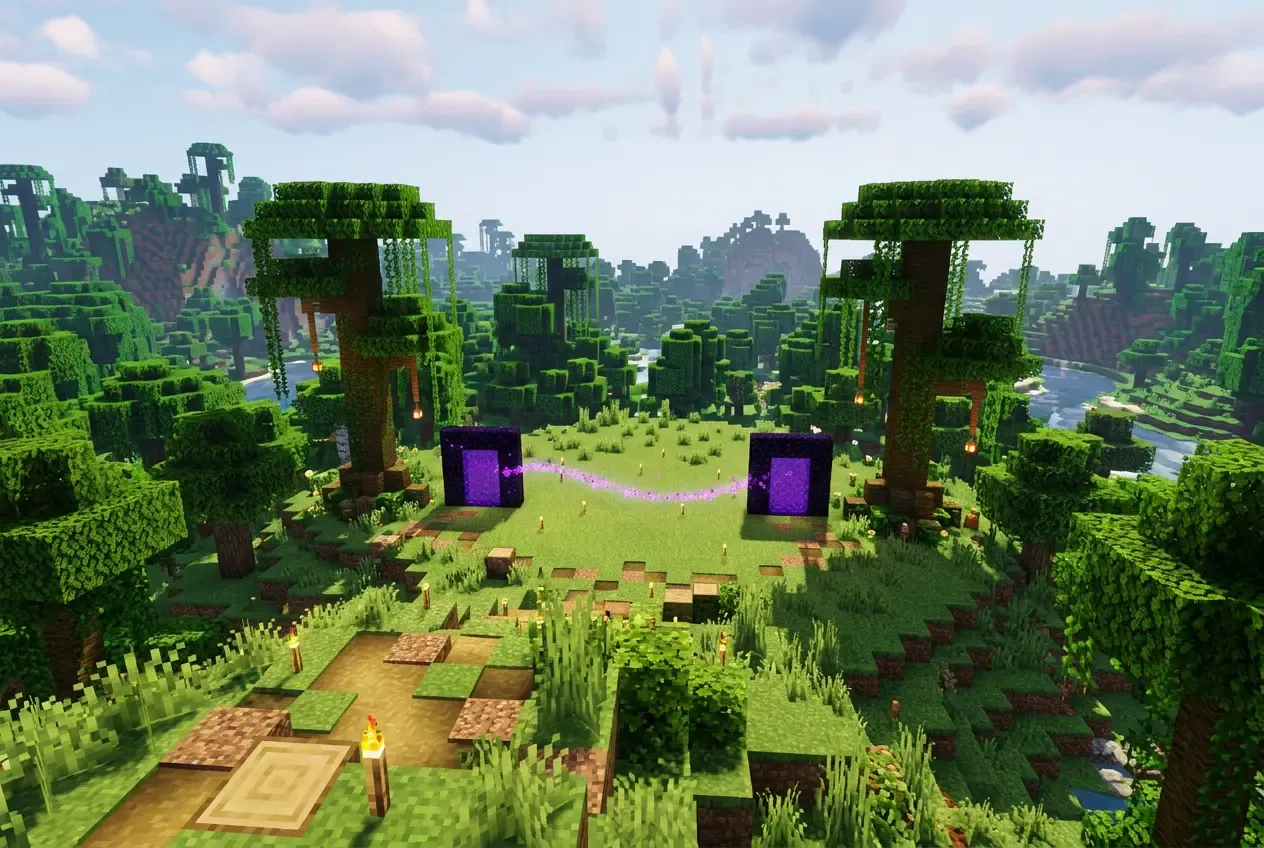
Portal network
Example portals — replace with your own. Distances are representative-point estimates, not a guaranteed in-game result.
2/20 portals
Use one consistent portal-block reference point for each record. The centre of the obsidian frame is not an exact game point-of-interest coordinate. Leave Y blank only if you want a horizontal-only comparison; no 3D winner is declared while a relevant Y is unknown.
Calculations run in your browser. Nothing is uploaded or stored. A share link encodes the entered network in its URL, so anyone who receives the link can read those portal names and coordinates.
Link prediction
Likely correct pairBase is the likely destination among the portals you entered and matches your intended portal.
Enter through
Home · Overworld
Want to exit at
Base · Nether
Converted target
X 100 · Y 64 · Z -50
Approximate search area
Java · Nether destination · approx. ±16 X/Z
Likely destination among entered portals
Base · Nether
Intended portal status: Eligible. Inside the approximate ±16 X/Z search area.
Candidate comparison
Scroll the table horizontally on small screens.
| Portal | X offset | Z offset | Y offset | 3D distance | Eligibility | Rank | Why |
|---|---|---|---|---|---|---|---|
| Baselikely | 0 | 0 | +6 | 6 | Eligible | 1 | Inside the approximate ±16 X/Z search area. |
Return trip, checked separately
Starting from Base, the reverse search points to Home. That is the original source portal.
Reverse target: X 800 · Y 70 · Z -400. Search: Java · Overworld destination · approx. ±128 X/Z.
Assumptions and uncertainty
- Representative-point estimate: each portal is one block coordinate, not the full frame or the exact player entry position.
- Only the portals you entered are considered. Other active portals, terrain, and new portal generation are unknown.
Safe next steps
- Verify the actual destination in game before moving storage or building around it.
- Record the portal-block coordinates you really arrive at, then recheck the network.
- Add any missing active portals in both dimensions so the comparison is complete.
- If a portal is unused, consider deactivating it only after you understand what depends on it.
Top-down search map
Auto-fit · coordinates in blocks
The square is the approximate horizontal destination search area. Points use actual entered X and Z coordinates. North is negative Z and points to the top of the map.
- Converted target
- Approx. search area
- Intended portal
- Likely winner
- Other entered portal
- Inactive or outside
Steps
How to Check Which Nether Portal Will Link
- Choose Java or Bedrock. This changes the approximate search area, not the 8:1 math.
- Add every relevant active portal you have entered, with its dimension and full X, Y, and Z portal-block reference point.
- Pick the portal you will enter and the portal you want to exit at.
- Read the converted target, the candidate table, the likely winner, and the separate return trip.
- Verify the real destination in game before moving anything valuable.
If you only need one portal's coordinate conversion, use the homepage Nether portal coordinate calculator. This checker is for comparing several existing portals and diagnosing a conflict.
Mechanics
How Minecraft Chooses a Portal
When you enter a portal, the game converts your entry position into the other dimension. X and Z are scaled by 8 and floored toward negative infinity. Y is not scaled; it stays a height reference.
The game then searches for existing portal points of interest inside a horizontal, axis-aligned candidate area around the converted target. That area covers the available height, so Y does not remove a candidate. Among eligible candidates, the closest portal point in full 3D distance wins, including Y.
If no existing portal qualifies, the game may generate a new one. This checker does not model terrain, generation, or unentered portals, so it reports "no eligible entered candidate" instead of inventing a generated portal coordinate.
Editions
Java vs Bedrock Portal Search Areas
These are approximate planning ranges. They describe where the game looks, not a guaranteed link radius. Version, chunk edges, and the exact portal point-of-interest can change boundary behavior.
| Edition | Trip | Destination | Approx. horizontal area |
|---|---|---|---|
| Java | Overworld to Nether | Nether | about ±16 X/Z |
| Java | Nether to Overworld | Overworld | about ±128 X/Z |
| Bedrock | Both directions | Nether or Overworld | about ±128 X/Z |
The coordinate conversion is identical in both editions. The edition selector changes only candidate eligibility, never the 8:1 ratio.
Return
Why the Return Trip Can Be Different
A trip is not a permanently remembered portal pair. On the way back, the game starts from the portal block you actually enter, converts that position, and runs a fresh candidate search in the reverse dimension.
In the worked example below, entering from Home sends the trip to Blaze farm. Starting the return from Blaze farm converts back to (816, 64, -400), where Village is 8 blocks away and Home is 16. The return therefore points to Village, not Home. This is a one-way mismatch, and the checker shows it explicitly instead of assuming reciprocity.
Tested example
Worked Example: A Portal Linking Conflict
This is the same deterministic example network used by the automated tests. The interactive tool preloads its Home and Base portals so you can start checking immediately. It is fictional data, not a real world save.
- Home — Overworld
(800, 64, -400), the source. - Village — Overworld
(808, 64, -400). - Base — Nether
(100, 70, -50), the intended destination. - Blaze farm — Nether
(102, 64, -50).
Java mode converts Home to the Nether target(100, 64, -50) and searches about ±16 X/Z. Both Nether portals are eligible.
| Candidate | X offset | Z offset | Y offset | 3D distance |
|---|---|---|---|---|
| Base (intended) | 0 | 0 | +6 | 6 |
| Blaze farm | +2 | 0 | 0 | 2 |
Base shares the target's X and Z but sits 6 blocks higher, so its 3D distance is 6. Blaze farm is 2 blocks east at the same height, so its 3D distance is 2. The prediction isanother entered portal likely wins, not the intended Base.
The reverse trip from Blaze farm points to Village, while Home is farther away. If Blaze farm is deactivated, Base becomes the outbound winner at distance6, and the return search points back to Home among the entered records. Deactivating a portal is a real change to your world, so verify what uses it first.
Diagnosis
How to Improve a Portal Pair
- Bring the converted X/Z targets closer to the portal you want the trip to use.
- Reduce the Y difference if two eligible portals compete for the same target.
- Check the return trip separately before assuming the pair is stable.
- Record the real arrival portal block in game, then re-enter that exact point in the checker.
- Deactivating an unused competing portal can change a result, but it is a destructive in-game action. Confirm what depends on that portal first.
No layout is guaranteed to force a link. If a result still seems wrong in your world, the dedicated Nether portal troubleshooting guide explains wrong exits, shared destinations, generated portals and one-way returns in more detail.
Need the intended pair built from scratch? Follow the two-way portal linking steps.
FAQ
Frequently Asked Questions
Does Y matter when linking portals?
Can I force two portals to link?
Why does my return trip reach another portal?
How far apart must portals be so they do not interfere?
Why does Bedrock behave differently?
What if my portal is missing from the list?
Can the tool predict a newly generated portal?
Method
How This Checker Calculates Results
The checker reuses the homepage converter: source X and Z are floored to block coordinates, divided by 8 when entering the Nether, or multiplied by 8 when entering the Overworld. Y is copied and never scaled. It then tests entered active destination portals with an axis-aligned square, not a circular radius, and ranks eligible candidates by full 3D Euclidean distance.
Each portal is treated as one representative reference point. The real frame can occupy several blocks, the player entry point can differ, and the game's point-of-interest selection is more detailed than this model. That is why the page says "likely" and marks boundary or tie cases as uncertain.
The return trip is a separate prediction that starts from the likely arrival portal's reference point. The checker never assumes the forward pair is reciprocal.
Automated unit tests cover the 8:1 conversion, negative flooring, edition eligibility, the square search area, Y-aware ranking, deactivated portals, ties, missing Y, share-state validation, and the one-way return mismatch. Passing these tests proves the model's code behavior, not a verified result in every Minecraft version or world.
Read the full calculation methodology for the converter's input rules and limits.
Sources
- Minecraft Wiki: Nether Portal— Frame dimensions, obsidian counts, and the 8:1 dimensional ratio.
- Minecraft Wiki: Nether portals tutorial— Portal linking behavior, candidate search areas, and edition differences.
- Minecraft Wiki: Nether survival tutorial— Portal construction examples, minimum frame, and ruined-portal repair.
- Minecraft Wiki: Crying obsidian— Crying obsidian cannot replace the functional frame edges.
- Minecraft Wiki: Ruined portal— Ruined structures may contain crying obsidian and need repair before use.
- Minecraft Wiki: Point of Interest— Portal blocks as points of interest used by the game search.
- Minecraft Wiki: Nether hub tutorial— Converting endpoints and building routes between Nether portals.
- Minecraft Wiki: Player movement— Nominal walking and sprinting movement speeds.
- Minecraft Wiki: Blue Ice— Blue-ice boat transport reference and top-speed context.
- Minecraft Wiki: Transportation methods— Packed-ice and blue-ice boat transport comparisons.
Minecraft Wiki is a community-maintained reference, not official Mojang documentation. This page has not been independently re-tested inside every Java or Bedrock version.